I had several issues deploying to two separate platforms with the following dockerfile and few variants of it.
FROM mcr.microsoft.com/dotnet/aspnet:6.0 AS baseWORKDIR /appEXPOSE 80EXPOSE 443FROM mcr.microsoft.com/dotnet/sdk:6.0 AS buildWORKDIR /srcCOPY ["Jester/Jester.csproj", "Jester/"]RUN dotnet restore "Jester/Jester.csproj"COPY . .WORKDIR"/src/Jester"RUN dotnet build "Jester.csproj" -c Release -o /app/buildFROM build AS publishRUN dotnet publish "Jester.csproj" -c Release -o /app/publishFROM base AS finalWORKDIR /appCOPY--from=publish /app/publish .ENTRYPOINT ["dotnet", "Jester.dll"]
I had one significant issue with this Dockerfile where 1 platform was happy and the other wasn’t.
Railway.app complained it couldn’t find a file I was loading from the filesystem “sample-news.json” which lives in the same directory as the Dockerfile
I attempted to solve it by copying manually in various stages of the docker processes. I tried it in the final stage and build stage with various ways of copying.
It has worn me out, I need to learn docker and I can’t trust AI to teach me because sometimes they are wrong and they aren’t aware of it. And worse, I won’t be aware of it before burning a lot of time.
Anyhow, this post will capture how I am levelling up with Docker (especially for understanding Dockerfile).
Looked up “Docker Playground”, and found Docker 101. Following the instructions, I spun up the docker container which built a copy of the 101 steps accessible via localhost
I decided I will use this current project of mine (Jester) instead of their basic node.js app. I will run the same commands and adjust where necessary
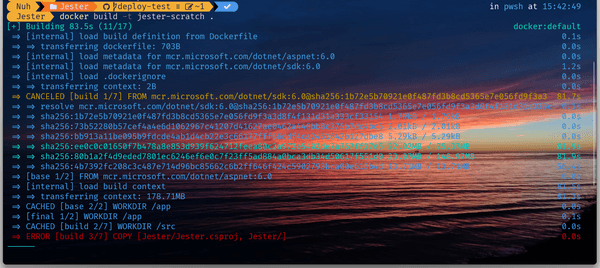
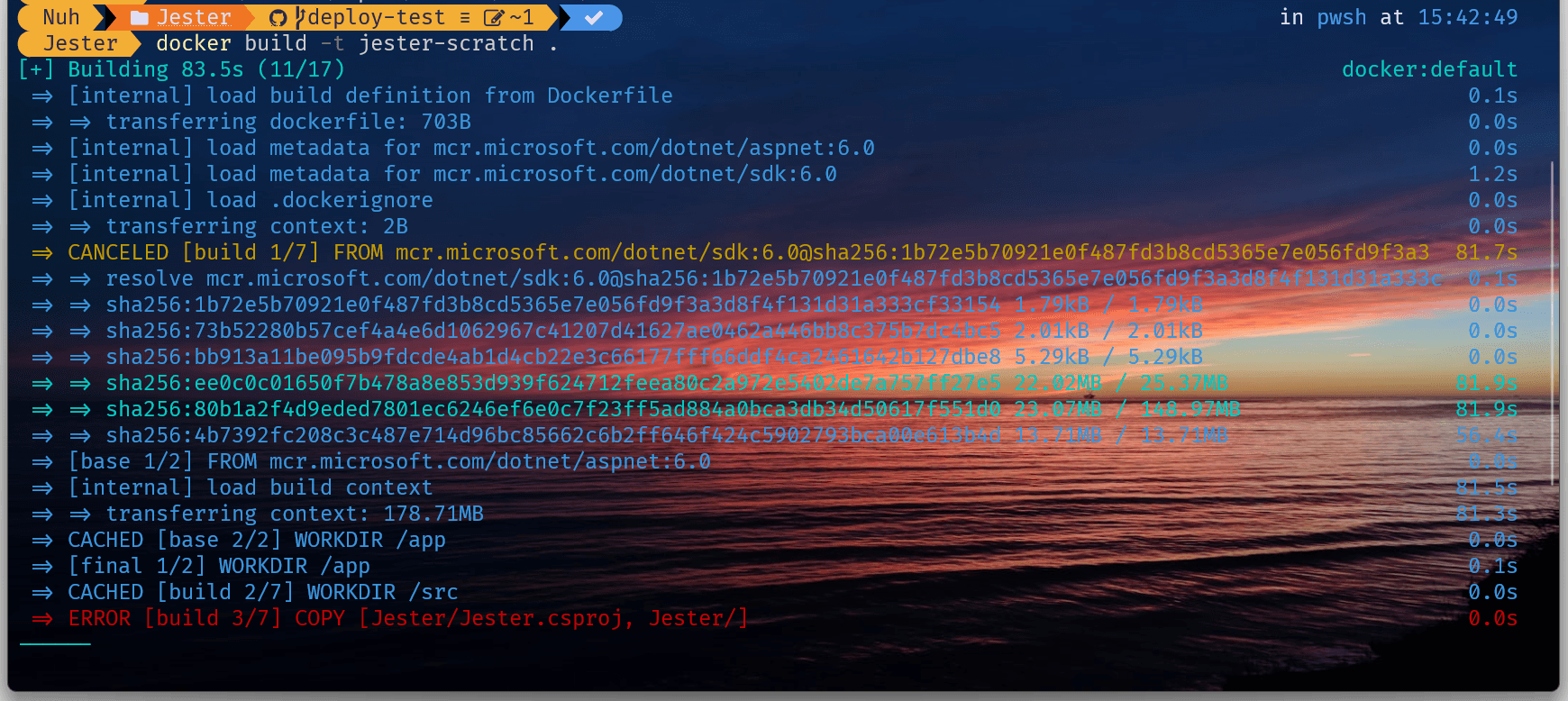
First was to build the image of the application using docker build -t jester-scratch . (I am calling the image ‘jester-scratch’)
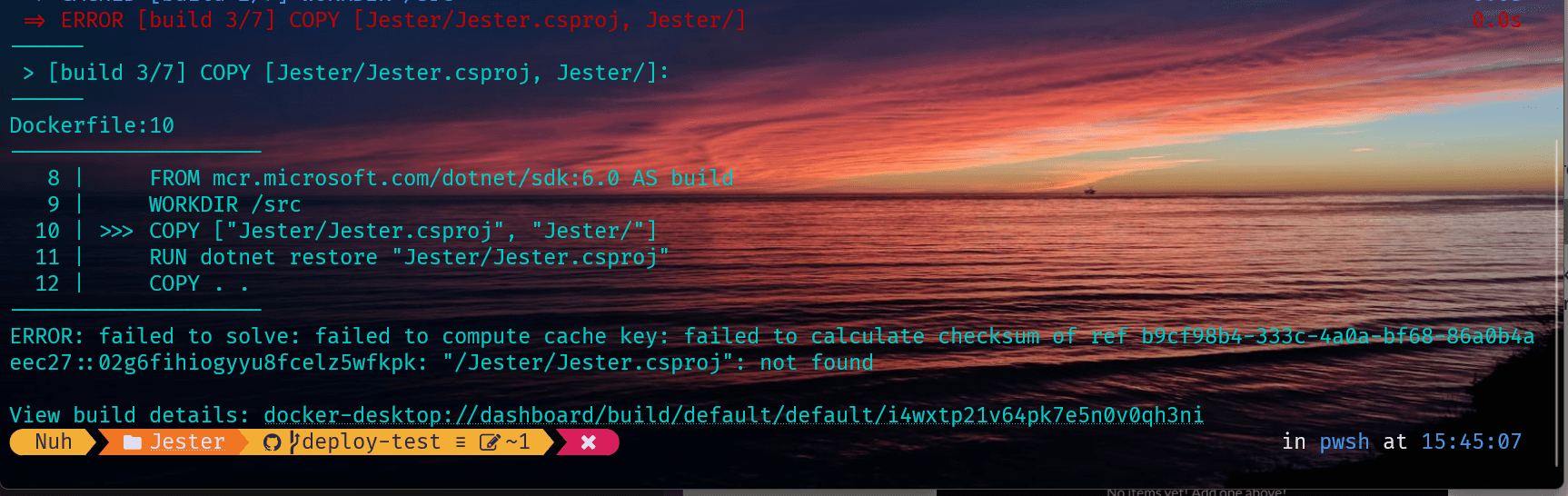
I feel a bit better seeing step by step logging from docker. However, the build ended in failure Error 1: The docker build ended with an error
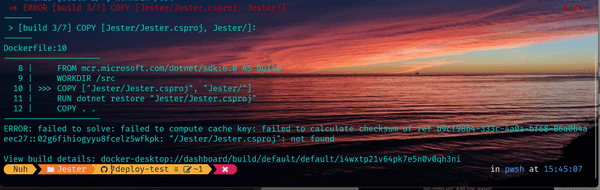
We see exactly where it went wrong Further details to Error 1 from docker build asserting that it couldn't copy app folders
It is struggling to copy the specificed files and folders. This is reasonable to me as:
I am currently inside Jester/Jester in my host machine
The Dockerfile is inside this same directory
The copy command is starting from this directory and trying to find the folder Jester in this directory. It can’t find it, there’s no such folder here. If we went up 1 level to the parent container, then you will find it.
Alert: I have just discovered two Jester.sln files, one in repo top-level dir Jester/ and the other in the source folder Jester/Jester. It is news to me that there’s a solution in Jester/Jester. It sneaked in last week, and it appears to be harmless with regards to prod builds etc. I will remove the one that sneaked in as it needs to be level with projects it groups.
It ran successfully now until the publish stage, it crashed again. But we made progress.
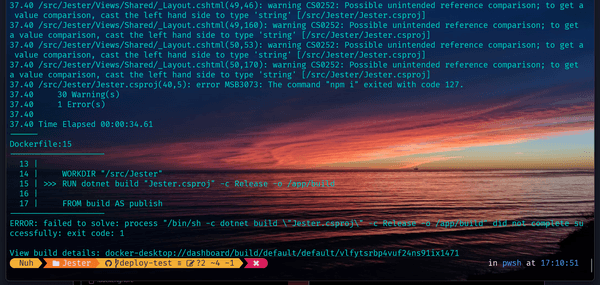
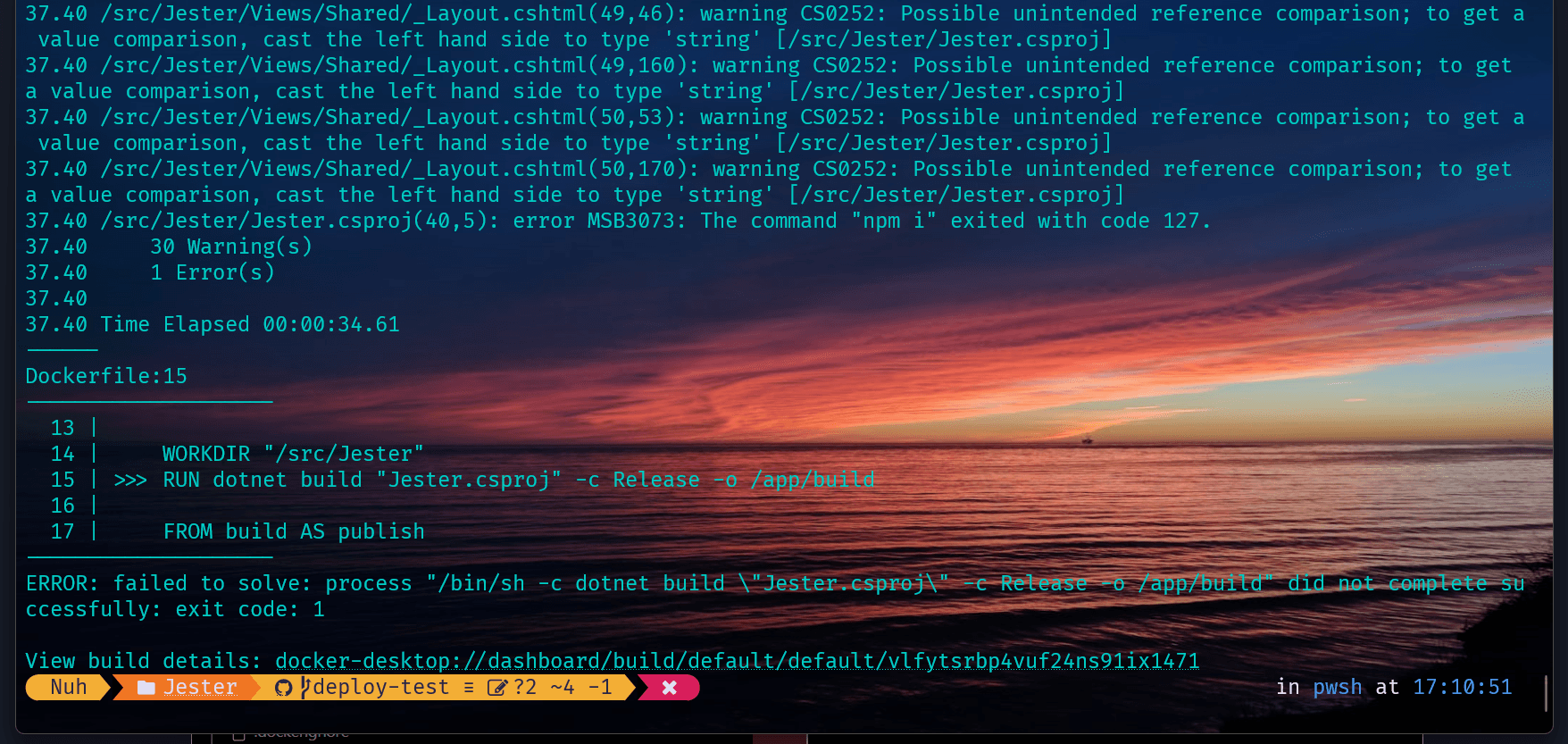
Second error building docker image
I am familiar with this issue and know it is happening because dotnet runs the prebuild command npm i before intending to run npm run gulp for front end compilation.
What this error means is that we don’t have npm as a command. In other words, we don’t have node. It is not contained in the .net image. We need to add it separately or find an image that contains both .net and node.
I will just install it into the image. Let’s modify the Dockerfile.
[Several goose chases later trying fnm, nvm etc]
I am going to abandon the approached that coupled dotnet build process with npm build. I can build in a stage of its own with node, and copy over built assets to the correct dir before dotnet build begins. A lot easier, decoupled and readable. Explains why I never saw such a mixture even when we were integrating React apps into .NET codebases.
I asked our resident AI to write the basics of adding a frontend build stage. It mostly did fine but needed some tweaking such as node image version, file paths and node-sass complaint handling.
Most importantly, it worked and it looks clean.
End of nightmare, I hope.
Running the container now with docker run -dp 5000:80 jester-scratch, it succeeds. 🚀 we can breathe now.
Here’s our completed Dockerfile with the bonus of knowing every step and command, and contexts.
FROM mcr.microsoft.com/dotnet/aspnet:6.0 AS baseWORKDIR /appEXPOSE 80EXPOSE 443FROM mcr.microsoft.com/dotnet/sdk:6.0 AS buildWORKDIR /srcCOPY ["Jester.csproj", "Jester/"]RUN dotnet restore "Jester/Jester.csproj"COPY . ./JesterWORKDIR"/src/Jester"RUN dotnet build "Jester.csproj" -c Release -o /app/build## Node Build StageFROM node:lts-alpine AS node_buildWORKDIR /frontendCOPY ./UI/ ./UI/COPY ./Views ./Views # Tailwind needs to capture classes used COPY ./ViewComponents ./ViewComponents # Tailwind needs to capture classes usedWORKDIR /frontend/UIRUN npm installRUN npm rebuild node-sassRUN npm run buildFROM build AS publishRUN dotnet publish "Jester.csproj" -c Release -o /app/publish## Copy built UI assets from node_build stageCOPY--from=node_build /frontend/wwwroot /app/publish/wwwrootFROM base AS finalWORKDIR /appCOPY--from=publish /app/publish .ENTRYPOINT ["dotnet", "Jester.dll"]
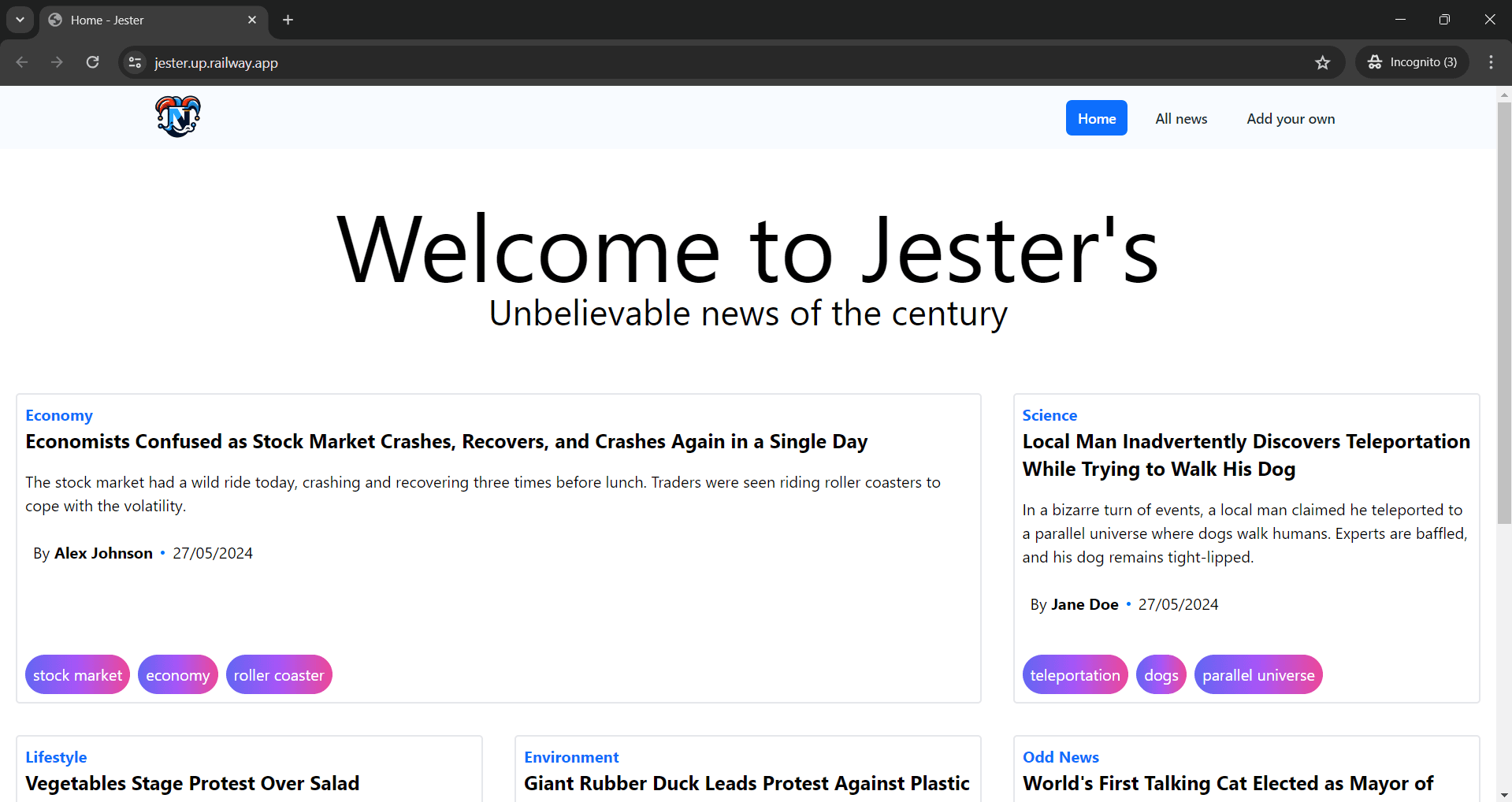
And the celebratory image showing successful deployment (with a dev-cert as work around to https for now)